
Start with Muck’s published floor
Steam lists a dual-core 2.00 GHz processor, 2 GB RAM, Intel HD 520 graphics and 100 MB storage for Muck. That makes it worth checking first when download size and older integrated graphics are your main constraints. These are the developer’s minimum specifications, not frame-rate results measured by Fjordbound. The recommended listing is higher, including 8 GB RAM.
Notice the old Windows line
Muck’s game page still lists Windows 7 in the minimum section. The same Steam page carries the notice that the Steam client supports Windows 10 and later from January 2024. The client is part of the installation path, so quoting only the old game requirement would be misleading. Treat the complete official installation route as the compatibility requirement.
Veloren: check the graphics API
Veloren’s official downloads page lists 4 GiB RAM, a 64-bit CPU, 2 GiB storage and support for DirectX 12, Vulkan or Metal. The API requirement deserves attention: a voxel landscape can still demand a graphics feature that an older machine lacks. Check the exact GPU model and supported drivers. Do not conclude that the game is lighter than another title simply from a screenshot.
Once Human needs a different storage budget
The reviewed PC listing asks for 8 GB RAM minimum, 16 GB recommended and 100 GB storage, with an SSD highly recommended. If your drive is nearly full or you use a limited internet connection, that installation commitment matters as much as the graphics requirement. Compare it with a small download before asking the whole group to install.
Treat missing specifications as unknown
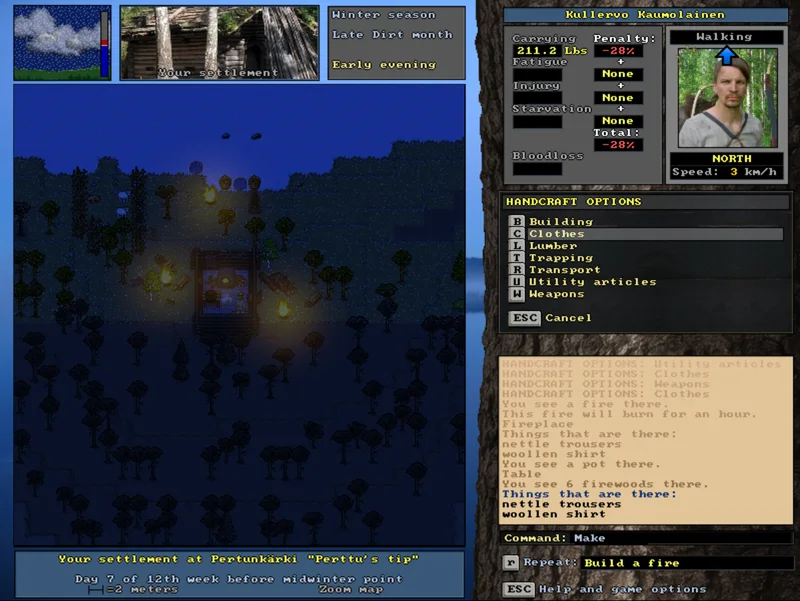
Haven & Hearth’s official FAQ says the developers have not run system-requirement tests. We therefore do not publish a made-up RAM minimum. UnReal World’s free download is a legacy build, so current operating-system compatibility needs separate attention. Older or overhead games can still have installation and driver constraints. “Unknown” is more useful than a confident unsupported promise.
A practical compatibility check
Write down your operating system, exact CPU and GPU models, RAM and free storage. Compare them with the official listing linked from each game page. Update drivers through the hardware vendor’s normal route if appropriate, then start with modest display settings. Evaluate a representative scene before inviting friends. We do not publish estimated FPS because no hardware benchmark was performed for this guide.
Check the original sources
- Official game overview
- Official downloads and requirements
- Build-mode documentation
- Official manual
- Developer-published Steam description, price and requirements
- Official Steam description, purchase disclosures and requirements
- Official game website and current notices
- Official downloads and exact free legacy version
- Official game introduction
- Official screenshot gallery
Source-based comparison, checked 15 October 2026. No hands-on benchmarks or paid placement in the recommendations.